
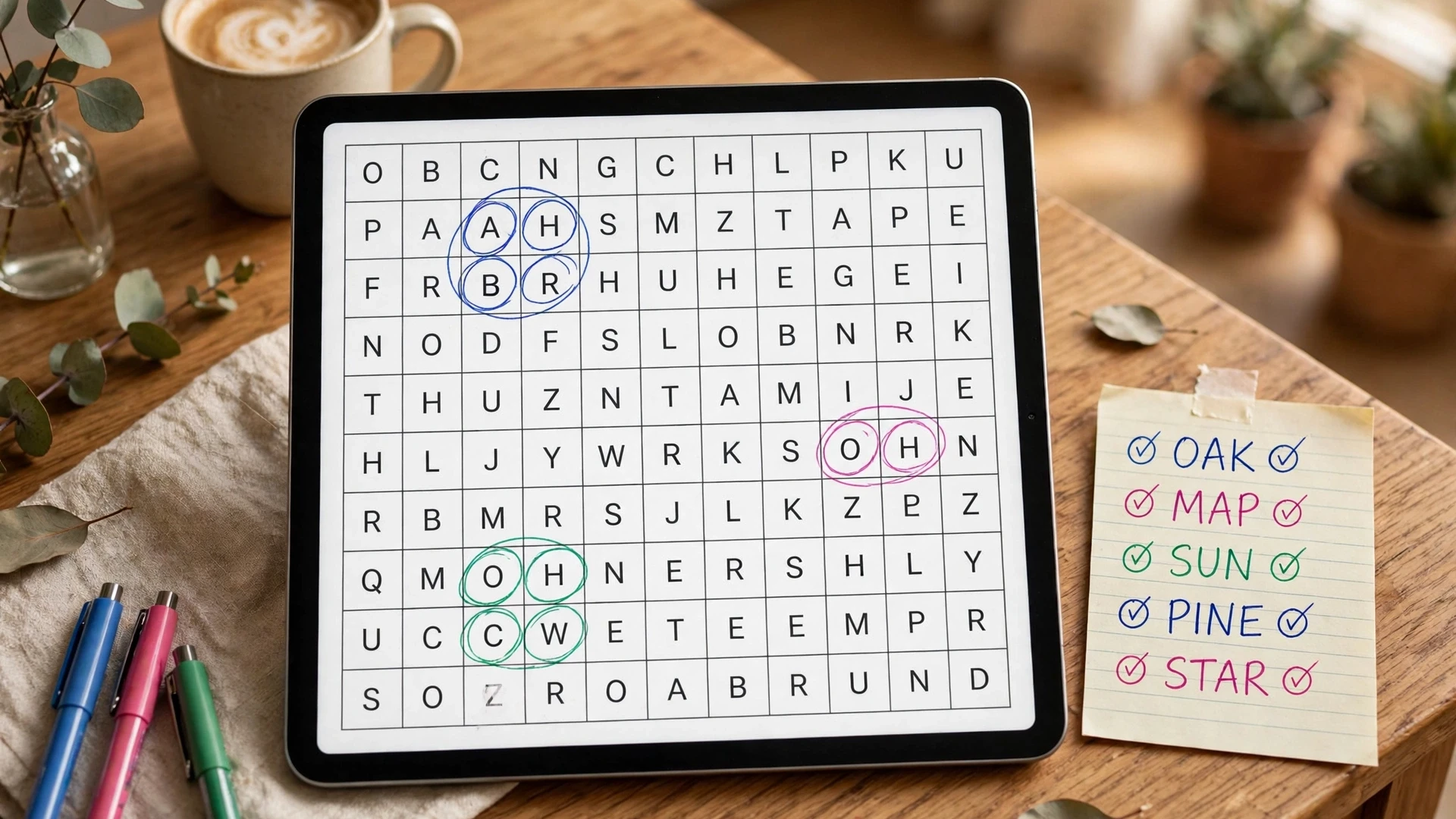
Word search is the quietest game on the internet — no timer screaming at you, no enemies, just a grid of letters and a list of words hiding inside it. Your job is simple: find every word on the list, hidden in the grid in a straight line. The first few words are easy; then the grid gets bigger and the last two words hide for far too long. This guide explains how to play word search online, step by step, and the scanning habits that help you find hidden words faster — whether you play to relax or to beat your best time.
How a round works
Every word search starts the same way: a square grid filled with random letters, and a word list, usually beside the grid or below it. The words from the list are hidden in the grid in straight lines — across, down, or diagonally — and they can run forwards or backwards. To find a word, you click or tap its first letter, then drag across the rest of the letters in order until the last one. Get it right and the word is marked off the list; get it wrong and nothing happens, so you can try again. The round ends when every word is found — there is no losing, no lives and no score to protect. Some versions add a timer, and the free Word Search on this site plays right in your browser with no download and no sign-up needed, so you can start a round in seconds.
Start with the word list, not the grid
The most common beginner mistake is staring at the grid hoping a word jumps out. It rarely does. Start with the word list instead: read the first word, say it in your head, and look for its first letter. Pick a word with an unusual first letter — Q, Z, X and J are far easier to spot in a grid than A, E or T, because there are fewer of them. If the word starts with a common letter, look at its second letter instead and search for the pair. Work through the list one word at a time, and cross each word off as you find it. The list is your map; the grid is just the territory. Players who read the list first finish faster than players who scan with no word in mind. That habit — reading the list before you scan — is the simplest part of how to play word search online well.
Scan smarter: rows, columns and diagonals
The fastest way to search a grid is to search it in an order, not at random. Pick a direction and stick to it: scan the grid row by row, left to right, looking only for the first letter of your target word. When you find one, check the letters around it in every direction — across, down and diagonally — to see if the word follows. If it does not, move on to the next first letter and keep going. Then scan the columns the same way, top to bottom. Diagonal words are the ones most players miss, so give them a pass of their own: look for the first letter, then check the four diagonal directions. Short words are the hardest to find because they hide anywhere; long words are easier because they need a long run of matching letters. And words can run backwards — if a word refuses to appear, look for its last letter first.

How to play word search online faster: speed tips that actually help
Once you know the basics, a few habits shave minutes off your time. First, find the long words before the short ones: a ten-letter word can only fit in a few places, so it is quick to spot, while a three-letter word can hide almost anywhere. Second, use the edges: words that touch the border of the grid are easier to spot because there is less clutter around them. Third, look for unusual letter pairs inside the word — “TH”, “CH”, “ING” and double letters like “OO” or “LL” stand out in a sea of random letters. Fourth, slow down on the last two words: go back to the method — read the word, find its first letter, scan in order. And if your version of the game has a timer, ignore it on your first few rounds: speed comes from the method, not from rushing. Our best puzzle games roundup has more slow, thoughtful games like this one, and our Sudoku tips use the same scan-in-order habit.
Mistakes that slow you down
Three habits cost word search players the most time. The first is hunting without a target word in mind — random scanning feels busy but finds almost nothing. The second is checking the same part of the grid twice because you never finished a full pass; if you scan row by row, you will know exactly where you have looked and where you have not. The third is giving up on a word and moving on, then forgetting it: the word you skip is almost always the one that takes the longest at the end, when the grid is nearly empty and there is nothing left to distract you. If a word will not appear, set it aside, find two others, then come back to it fresh. Word search rewards calm play: find the words in order, one at a time, and the last one will come. That calm, in-order method is how to play word search online at your best.
Outbound link: https://en.wikipedia.org/wiki/Word_search (Wikipedia: how word search puzzles work).